Screen library
Every screen in Pipewell
53 screens across 10 areas, each in light and dark mode. Open one to see what it does. Live previews open at launch.
Auth and onboarding
Sign-in, invites, workspaces and a four-step setup that ends with real data.
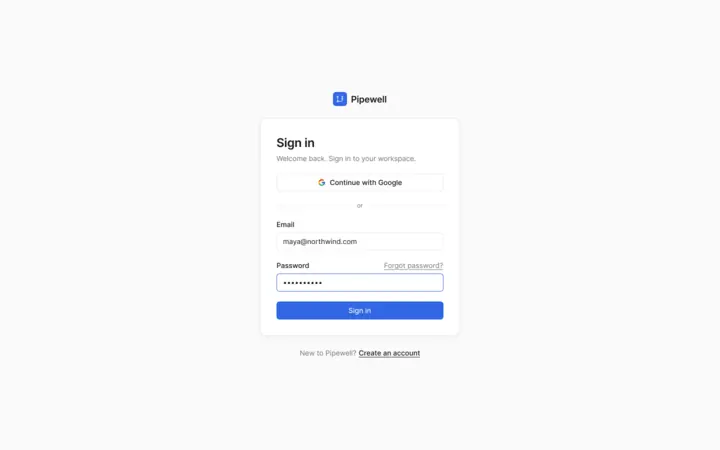
Sign in
Email and password or Google.
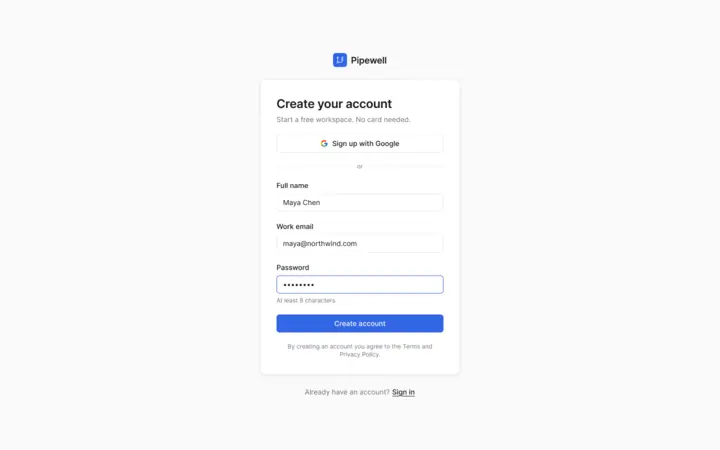
Sign up
Start a free workspace with Google or email. No card needed.

Check your inbox
Verify your email, resend the link or fix a typo.
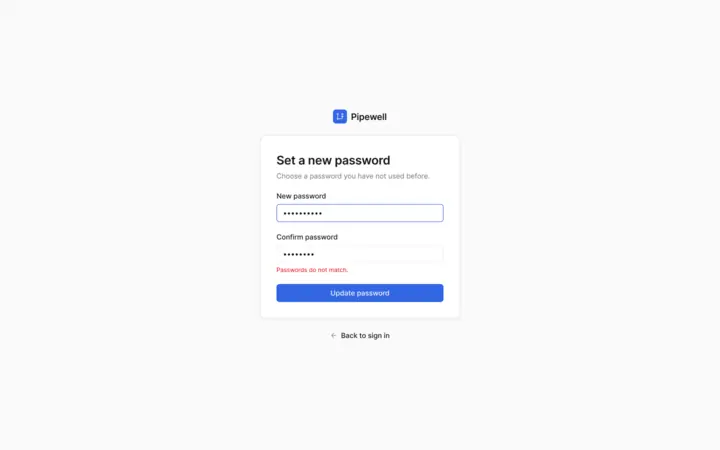
Reset password
Set a new password from the reset link.
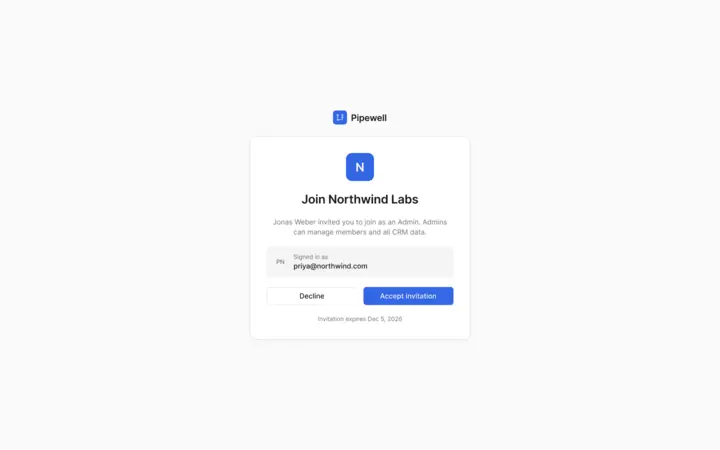
Accept invitation
Join a teammate's workspace with the role they picked.
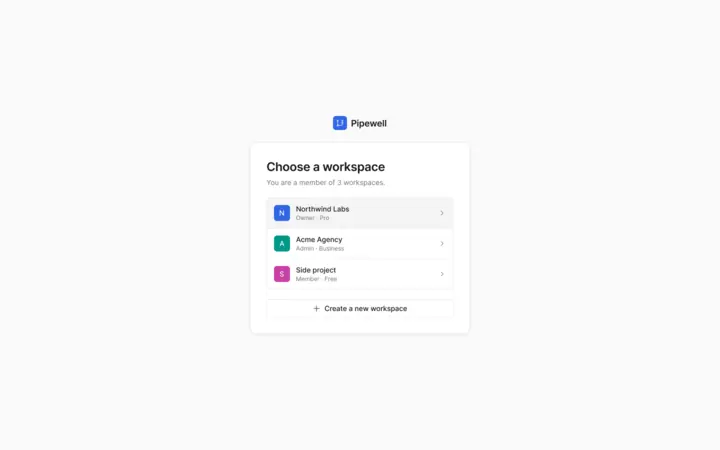
Choose workspace
Pick one of your workspaces or create a new one.
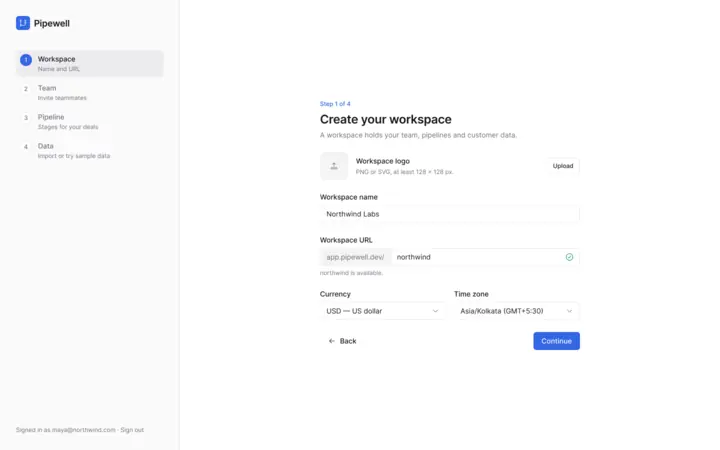
Onboarding: workspace
Step 1 of 4: name, URL, logo, currency and time zone.
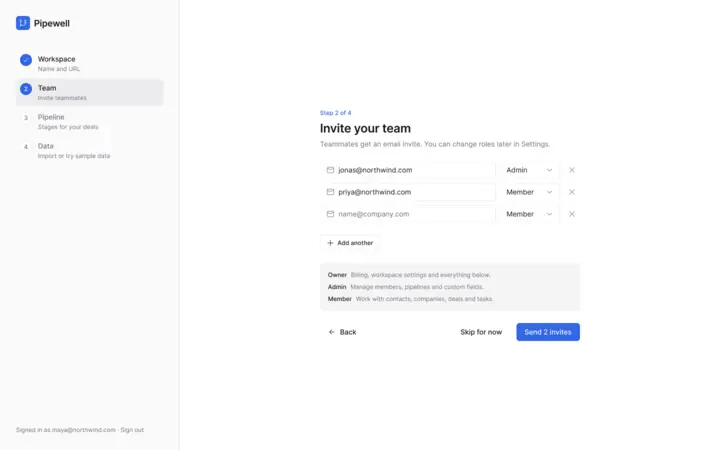
Onboarding: invite team
Step 2 of 4: invite teammates with a role each.
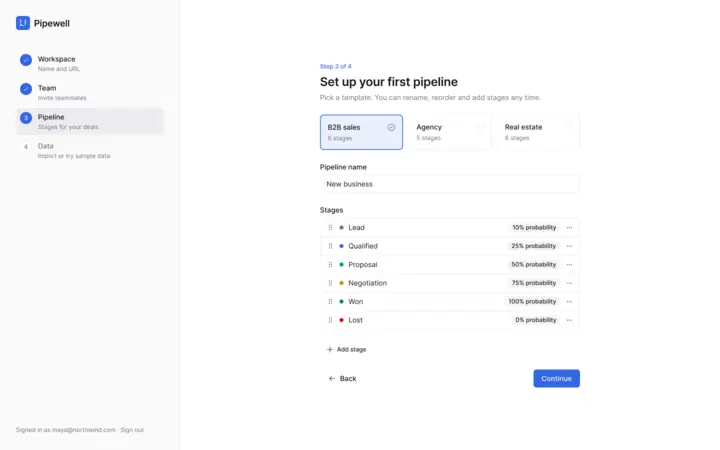
Onboarding: pipeline
Step 3 of 4: start from a pipeline template.
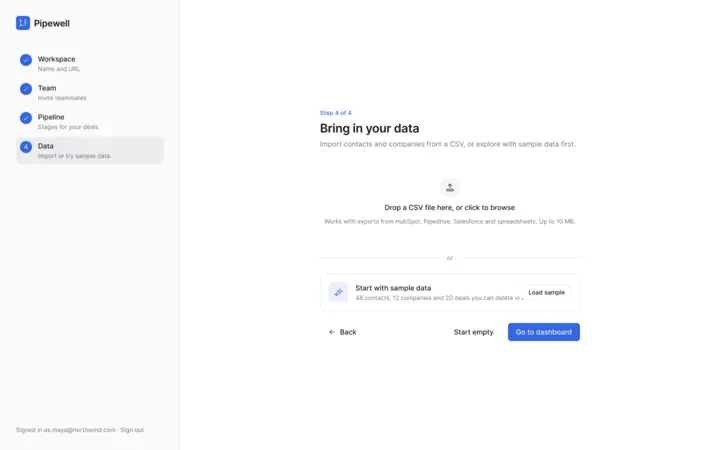
Onboarding: import
Step 4 of 4: bring in contacts from a CSV or start with sample data.


Dashboard
The home screen, the command palette and every keyboard shortcut.


Contacts and companies
Tables with saved views, record pages with timelines, and CSV import.
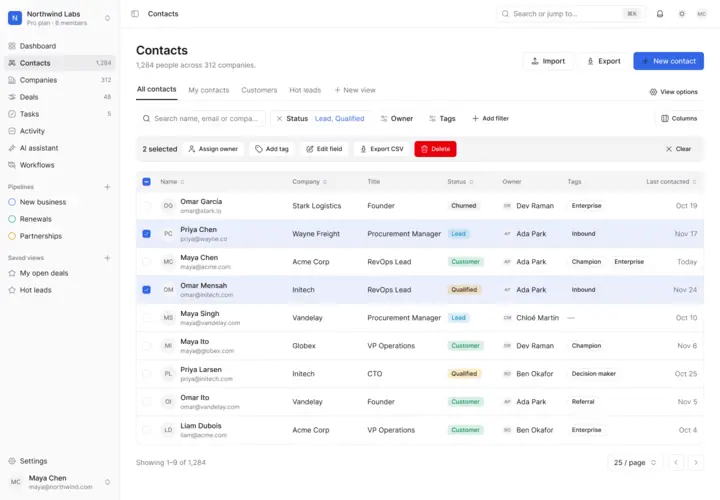
Contacts
A fast table with saved views, filters, bulk edit and tags.
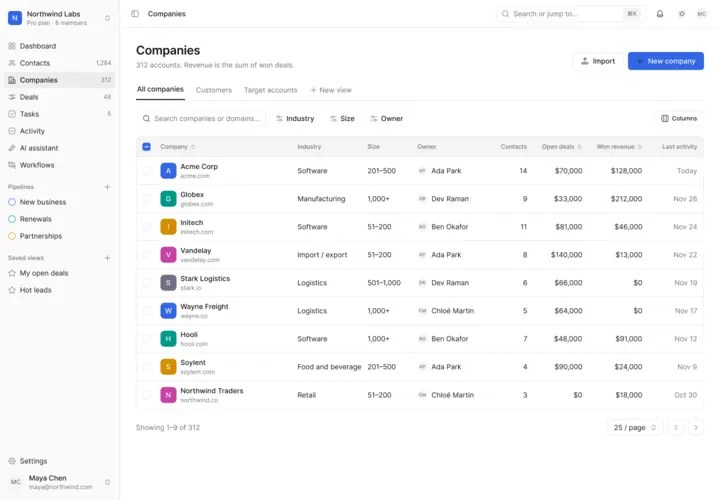
Companies
Accounts with open deals, won revenue and owners.
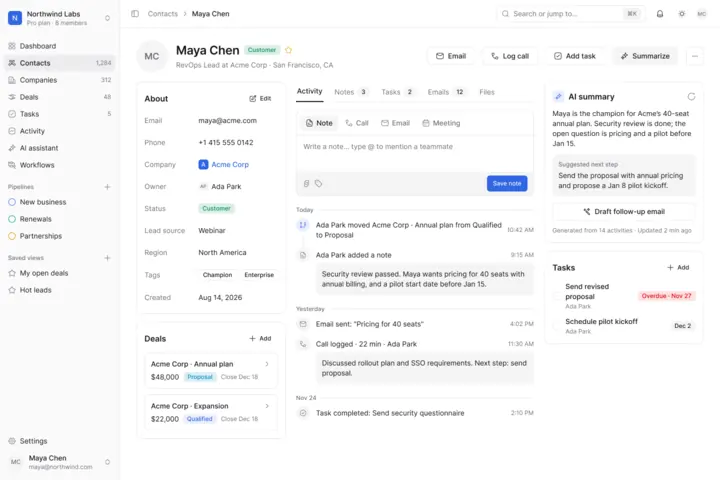
Contact detail
Details, deals and the full timeline for one person.
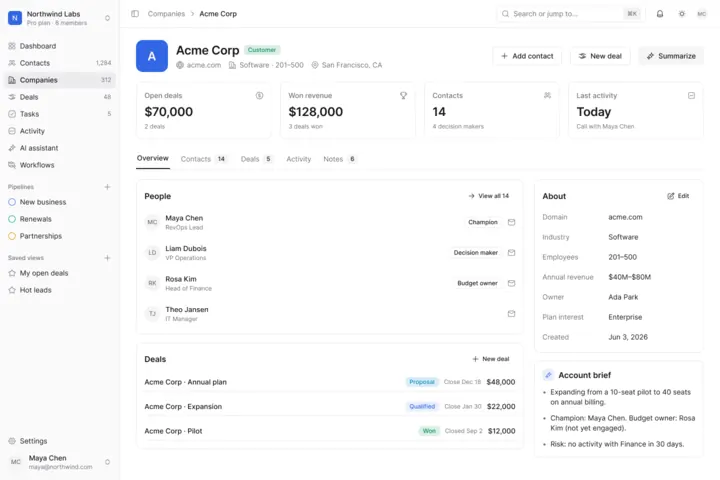
Company detail
Everyone you know at a company and every deal with them.
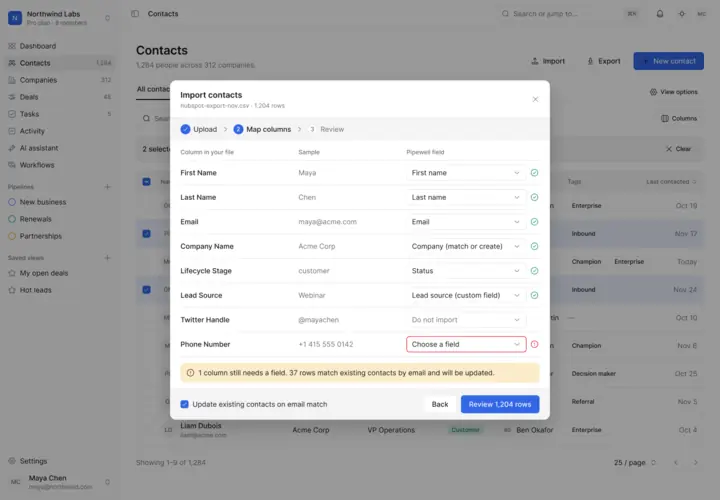
Import CSV
Upload a file, map columns and review before importing.


Deals and pipeline
A drag-and-drop board, a deals table and a deal page with stage history.
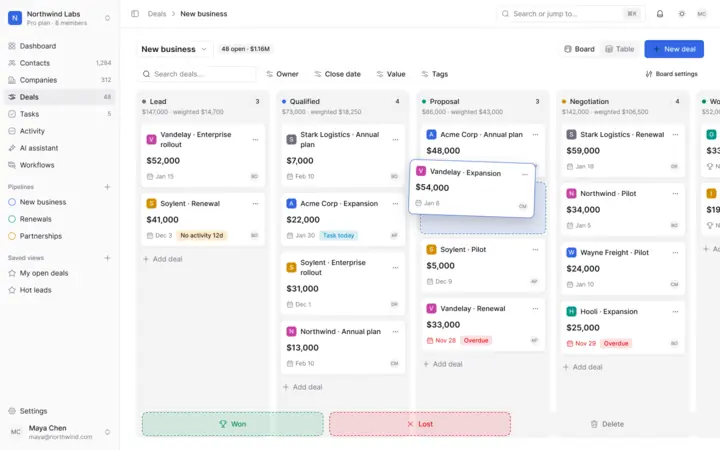
Pipeline board
Drag deals between stages, with totals per stage.
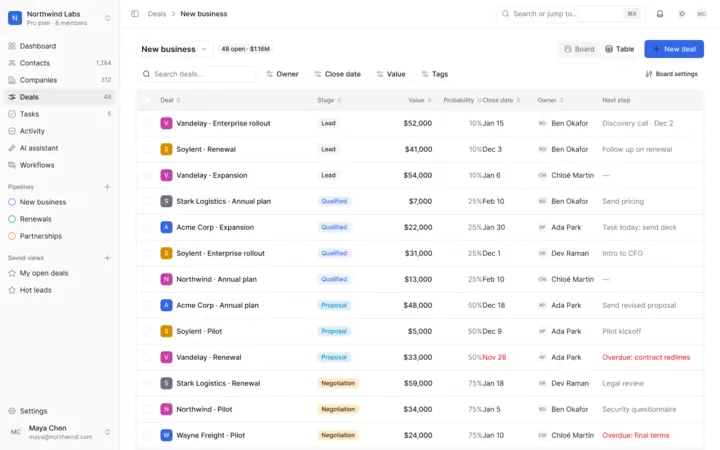
Deals table
Every deal with stage, probability and next step.
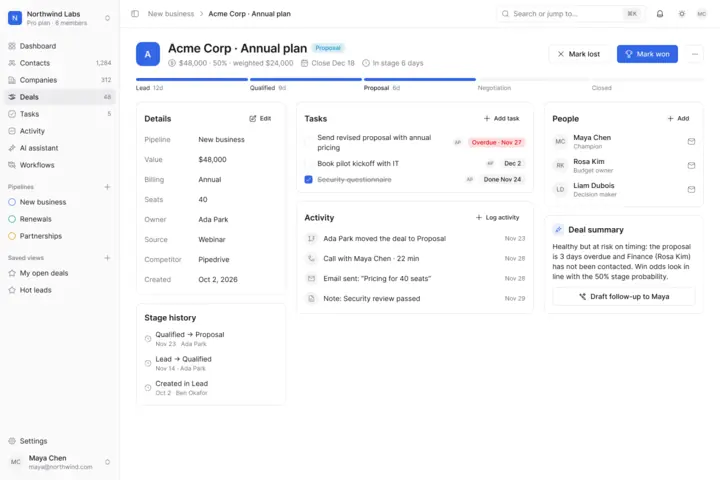
Deal detail
Stage history, details, tasks and the timeline.
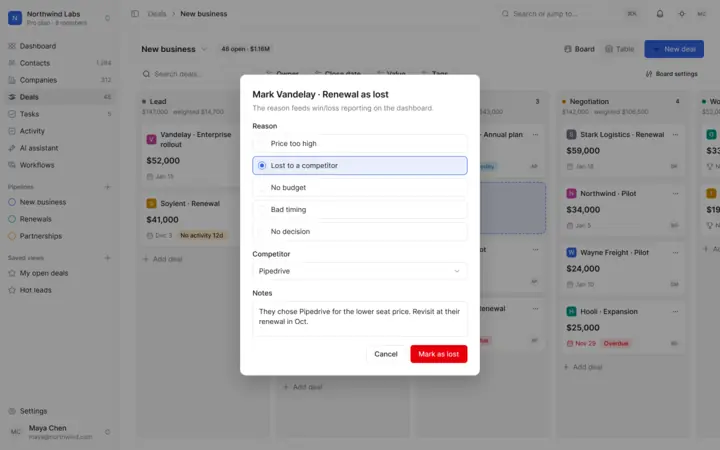
Mark as lost
Close a deal as lost with a reason you can report on.
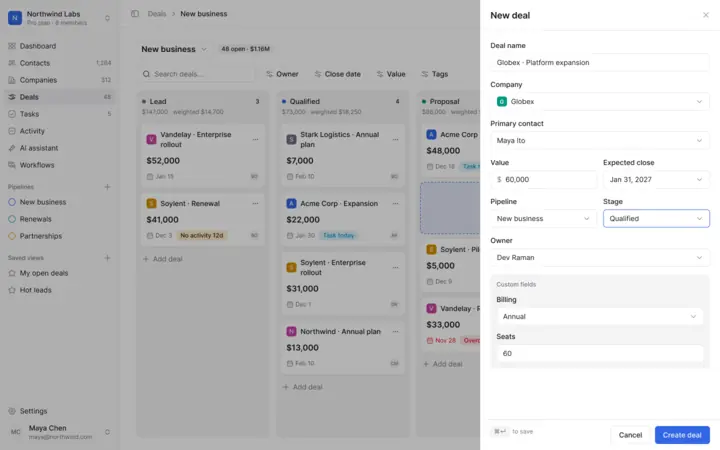
New deal
Create a deal with value, stage, company and contacts.


Tasks and activity
Tasks, notes and a workspace-wide feed of everything that happened.


AI
An assistant that knows your pipeline and drafts follow-ups for review.


Workflows and whiteboard
Visual automations and a shared whiteboard that turns sketches into workflows.
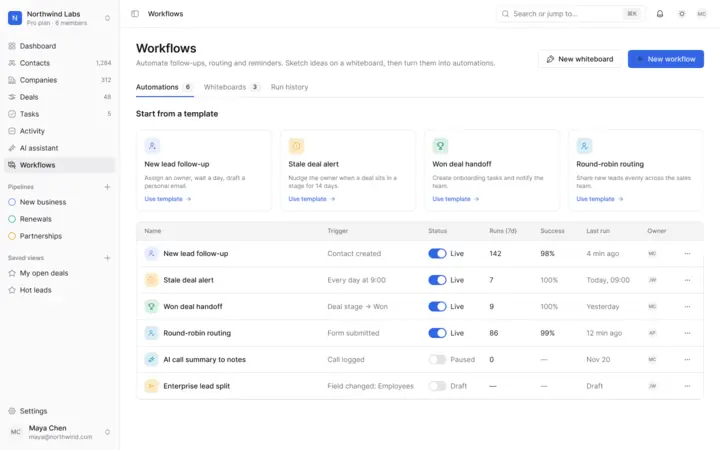
Workflows
Automations with templates, run counts and success rates.
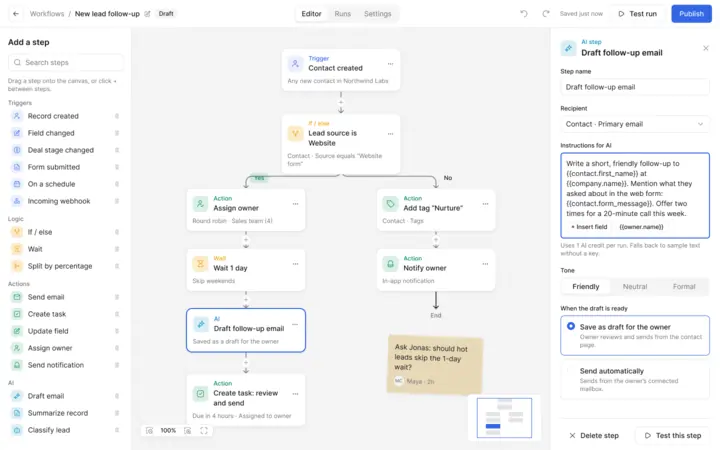
Workflow editor
Build automations on a canvas and configure each step.
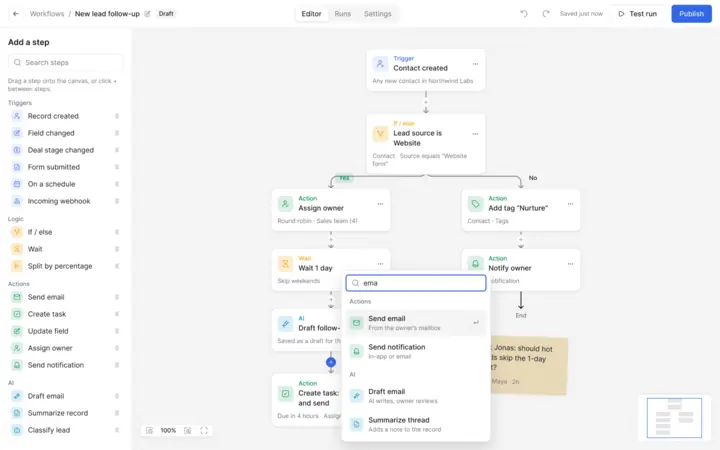
Add a step
Search every trigger, action and AI step from the canvas.
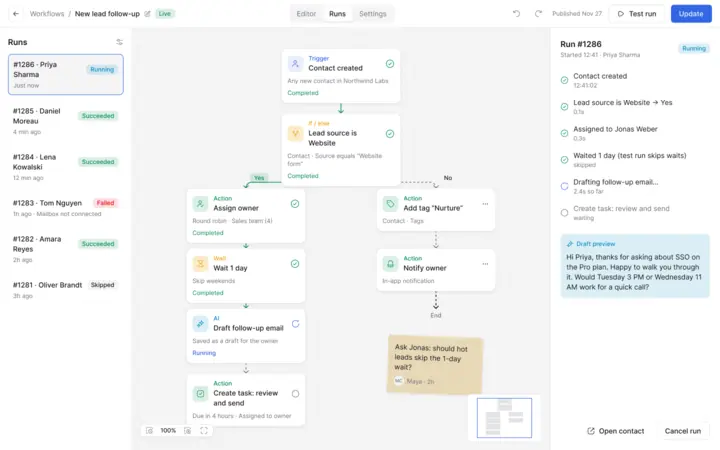
Workflow runs
Watch a run step by step and inspect its output.
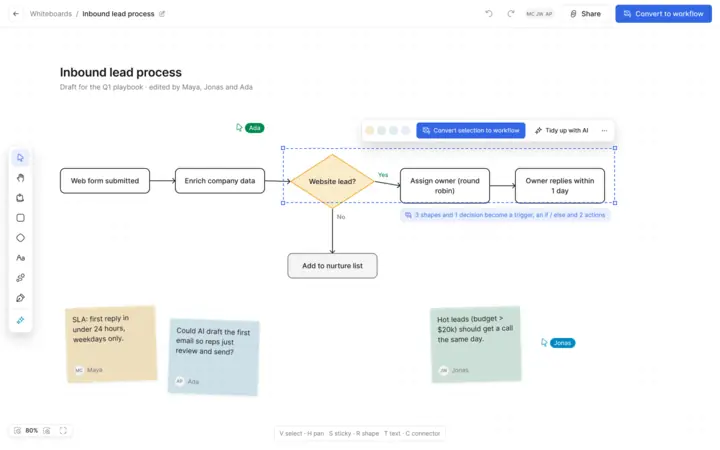
Whiteboard
Sketch a process together, then convert it to a workflow.


Settings
Workspace, members and roles, billing, pipelines, fields, API keys and themes.
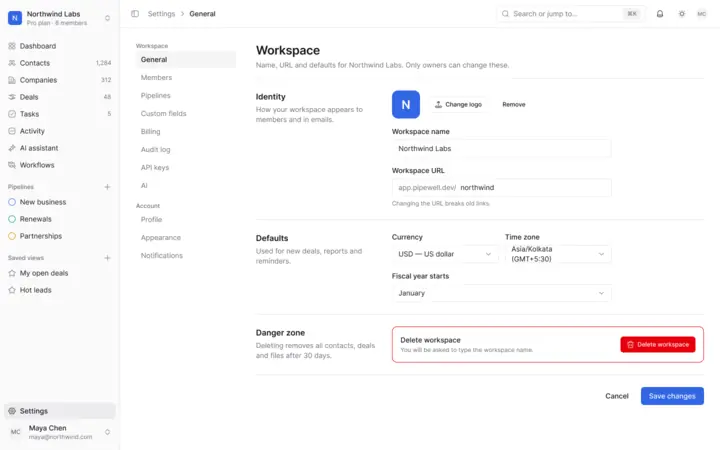
General settings
Workspace name, URL, logo, currency and time zone.
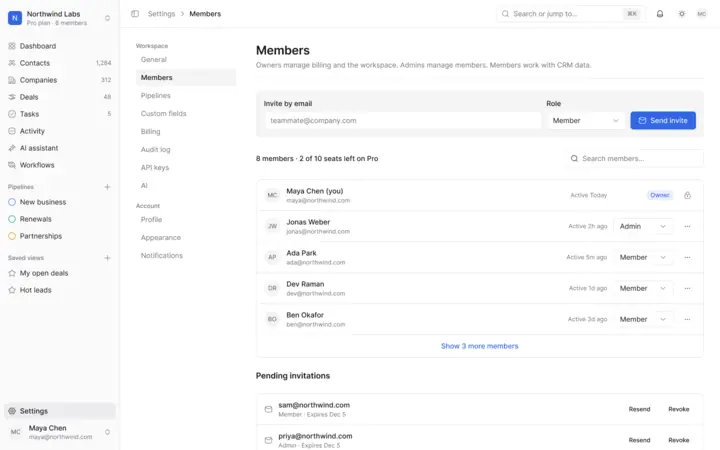
Members and roles
Invite people and manage owner, admin and member roles.
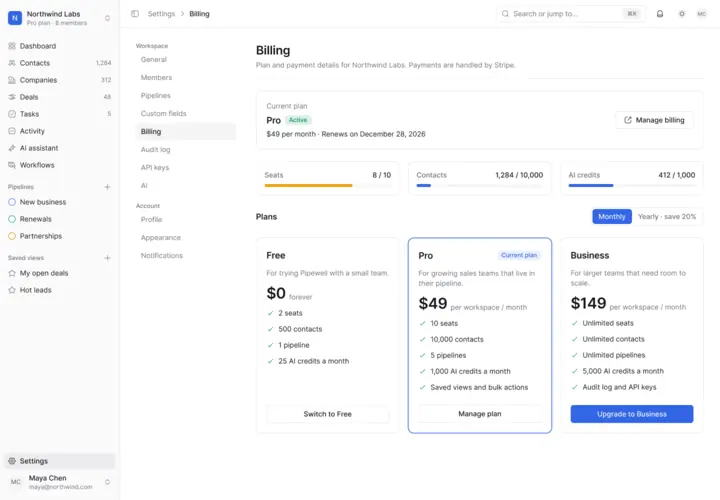
Billing
Plan, usage and upgrades, with payments by Stripe.
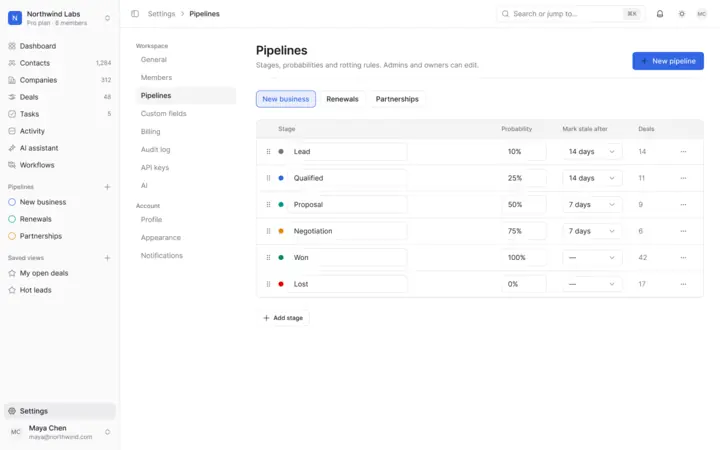
Pipelines
Stages, probabilities and when deals go stale.
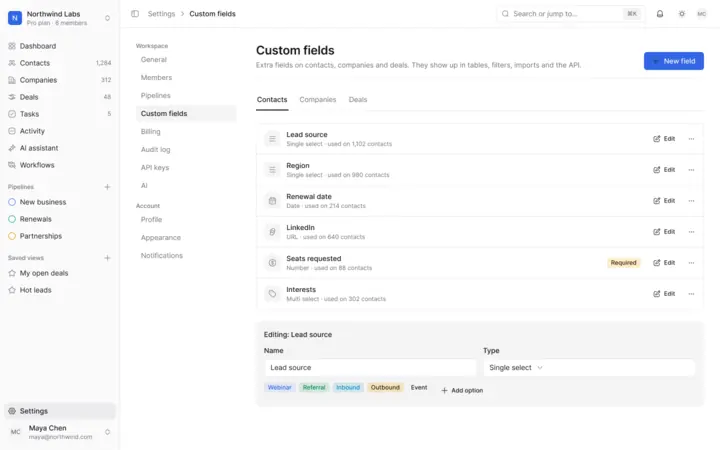
Custom fields
Add your own fields to contacts, companies and deals.
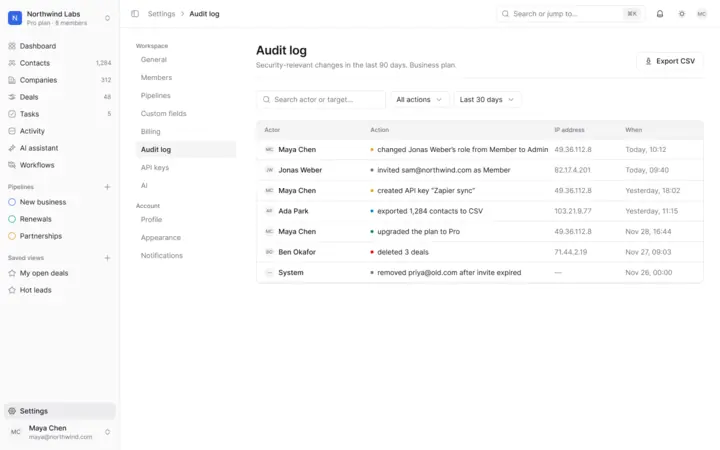
Audit log
Security-relevant changes from the last 90 days.
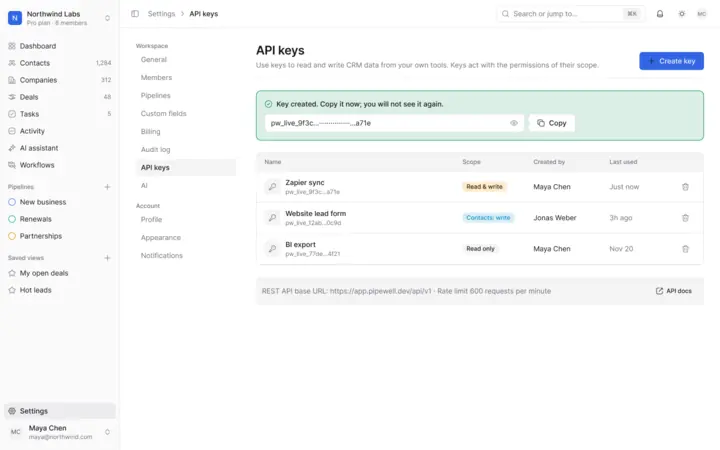
API keys
Scoped keys for the REST API, shown once.
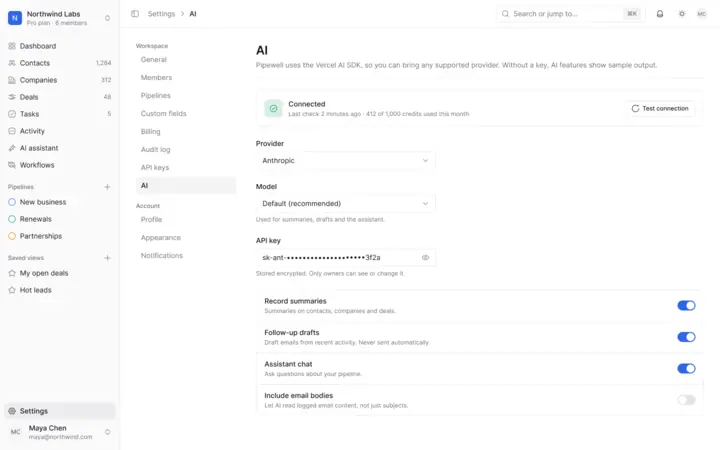
AI settings
Bring any AI provider and choose which features are on.
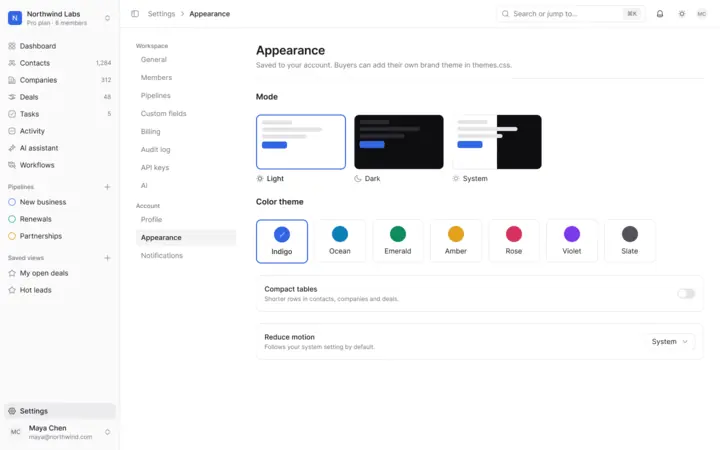
Appearance
Light, dark or system mode and seven color themes.


Mobile
The phone layout every screen gets, with a bottom tab bar.


States and feedback
Empty, loading, error and no-access states, toasts and confirmations.
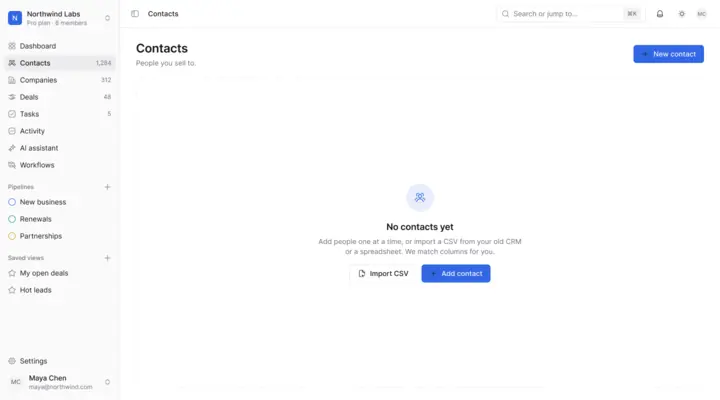
Empty state
A first-run screen that tells you what to do next.
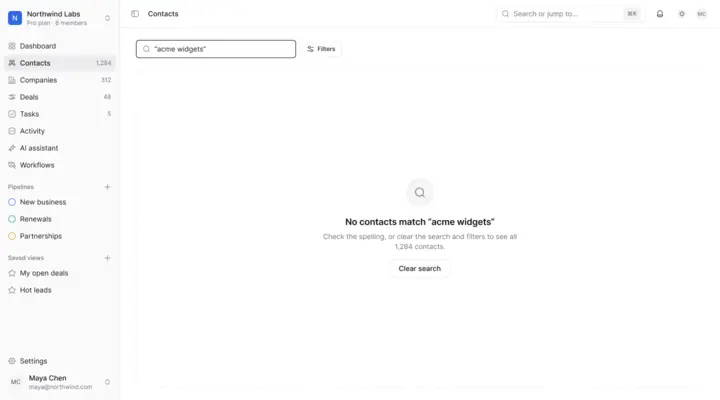
No results
A search that found nothing, with a way back.
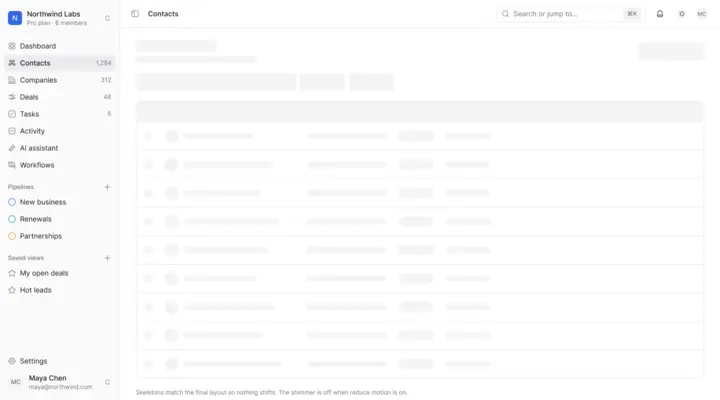
Loading skeleton
Skeletons that match the final layout, so nothing shifts.
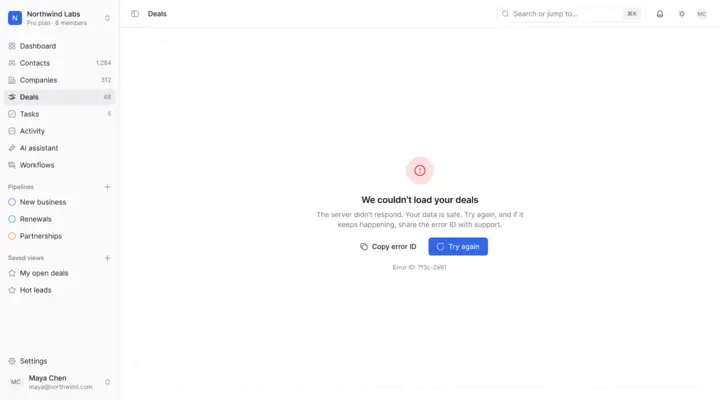
Error state
A clear error with retry and an ID to share with support.
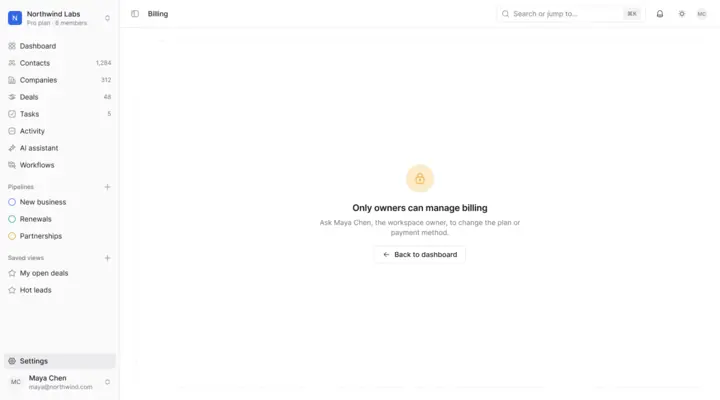
No permission
What members see when a page needs another role.
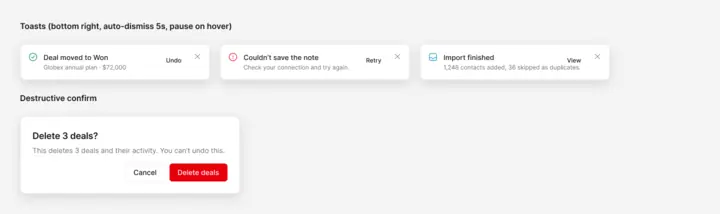
Toasts and confirmations
Undoable toasts and a confirm dialog for destructive actions.


